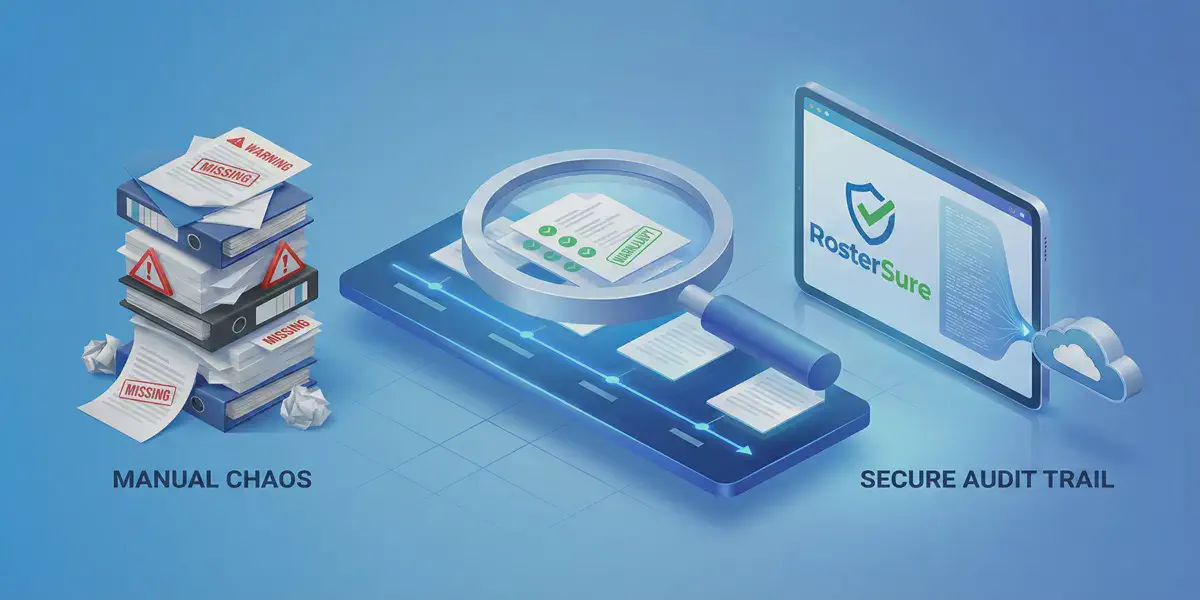
Getting your COR™ or ISO 45001 certification is a massive achievement for any General Contractor. It opens doors to bigger municipal and transit jobs in Ontario.
But keeping it is a different story.
When an auditor walks into your office, they aren’t interested in your promises or your clean job sites. They follow a simple, brutal rule: “If it isn’t documented, it didn’t happen.”
Most GCs fail audits not because they are unsafe, but because their evidence trail is broken. If you are currently managing compliance in Outlook folders or Excel, here are the three red flags that will get you a Non-Conformance Report (NCR).
Sign #1: The “Time-Travel” Gap in WSIB Coverage#
The Scenario: An auditor picks a completed project from last year—let’s say, the West End Community Centre reno. They point to a specific demolition subcontractor and ask: “Can you prove ABC Demolition was eligible for clearance on June 12th, the day they started work?”
The Failure: You log into the WSIB portal, but you realize you never added ABC Demolition to your “Saved List”—you just did a quick public search that day and saved the PDF. So you pull up that PDF. It says “Valid until August 2026.” The auditor shakes their head. “That shows they are valid today. I need to know if they were valid on June 12th. If you didn’t save the status on that specific day, you have no evidence.”
Because you relied on a “Spot Check” instead of a continuous monitoring log, you cannot prove there wasn’t a gap in coverage back in June.
The Fix: You need a system that builds a permanent evidence trail automatically. RosterSure’s Historical Snapshot engine logs every daily status check in your own private database. You don’t need to rely on the government portal’s limited history. You simply ask: “Show me the compliance report for Project Alpha as of June 12th,” and it regenerates the exact state of the world on that day.
Sign #2: The “Who Checked This?” Problem#
The Scenario: You have a valid Certificate of Insurance (COI) on file. It lists the correct $5M liability limit and your company as Additional Insured. It looks perfect.
The Failure: The auditor asks: “Who reviewed this? And when?” You shrug. “It’s in the project folder, so the Project Coordinator must have checked it.”
That is not enough. To verify Due Diligence, you must prove that a competent person actually looked at the document and made a decision before the sub stepped on site. A file sitting in a folder proves possession, not verification. And unlike WSIB, there is no government website that tracks your COI history for you.
The Fix: Stop accepting COIs via email. In RosterSure, every document must go through a Review Workflow. When your Safety Officer clicks “Approve,” the system stamps the record:
Status changed to Approved by Sarah Smith on Feb 14, 2025 at 9:03 AM.
That immutable timestamp is your liability shield.
Sign #3: The “Email Black Hole”#
The Scenario: The auditor finds a discrepancy. A subcontractor was marked “Approved” in your Excel sheet, but their insurance had actually expired a week prior to the job completion. The auditor asks to see the correspondence where you requested the renewal.
The Failure: You spend 45 minutes frantically digging through your Project Coordinator’s “Sent Items.” You search for “COI,” “Insurance,” “Renewal”… nothing. Then you remember: that Coordinator left the company two months ago, and their email account was archived or deleted. You have zero evidence that you tried to mitigate the risk.
The Fix: Compliance communication cannot live in personal inboxes. RosterSure centralizes the entire lifecycle.
- Automated Reminders: The system logs exactly when the 60/30/7-day expiry warnings were sent.
- Portal Activity: You can see exactly when the subcontractor logged in and viewed the request. Even if your staff turns over, your evidence chain remains intact.
Conclusion: Give the Auditor a Login, Not a Binder#
Audits are stressful enough without having to play detective in your own filing system.
If you are still relying on human memory and “Project Folders” to protect your business, you are one random spot-check away from a non-conformance report.
Ready to Audit-Proof Your Business?#
Don’t wait for the auditor to find the gaps. We’ve compiled the exact 10 questions they will ask.
Download the Free COR™ Readiness Checklist (PDF)Pro Tip: With RosterSure, you don’t even need to print reports. You can invite your auditor with a dedicated Auditor Role. This gives them read-only, privacy-redacted access to your dashboard so they can verify your compliance themselves—getting them out of your office faster.
👉 Start your free trial today and be ready for your next audit.