If you are a General Contractor in Ontario, you know the rule: No Clearance, No Work.
But verifying WSIB status usually involves chasing subcontractors for PDFs, logging into the WSIB portal, or deciphering confusing eligibility dates. It’s a process that eats up hours of admin time every week.
Here is the fastest way to verify a subcontractor manually—and how to automate it so you never have to do it again.
Option 1: The “Fast” Manual Way (Free)#
If you only have a few subcontractors, you can check their status using the WSIB’s public eClearance tool.
Step 1: Get the Search Details#
You can search by Company Name if you have the exact legal name—this will pull up the specific result you need.
However, if you don’t have the exact spelling (or if there are many “123 Ontario Inc"s), it is safer to use the subcontractor’s WSIB Account Number (usually 6 or 7 digits) or WSIB Clearance Certificate Number to avoid selecting the wrong company.
Step 2: Visit the WSIB eClearance Page#
Go to the WSIB eClearance Search. You do not need to log in to perform a basic check.
Step 3: Check “Eligibility”#
Enter the account number. You are looking for a status that says “Eligible for Clearance.”
- Green/Eligible: They are in good standing today.
- Red/Ineligible: They owe premiums or have missing information. Do not let them on site.
The Problem with Manual Checks#
This method works for a snapshot, but it has a fatal flaw: WSIB status changes. A subcontractor who is eligible today might miss a premium payment tomorrow. Unless you repeat this 3-step process every single morning for every active subcontractor, you are carrying hidden liability.
Option 2: The Automated Way (RosterSure)#
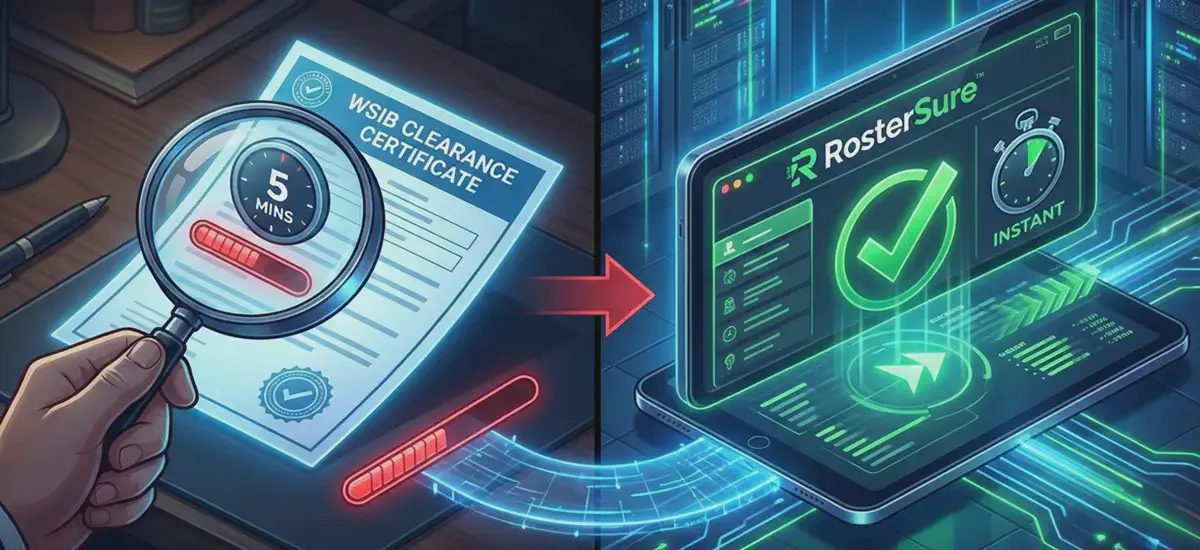
The “5-minute” check is still 5 minutes too long if you have to do it 20 times a month.
RosterSure replaces this manual loop with Nightly “Stealth” Refresh.
Upload Once: Enter the WSIB Account Number into RosterSure one time.
Real-Time Verification: We verify the real-time eligibility of every subcontractor. Active projects are audited every 3 days, while inactive ones are refreshed every 30 days to ensure your records never go stale.
Get Alerted: If a status flips from “Eligible” to “Ineligible,” your dashboard turns 🔴Red and notifies you immediately.
Why Automation Wins#
- Audit Trail: We save a history of every check, so you can prove due diligence to an auditor years later.
- Project filtering: See which specific job sites are affected by a non-compliant sub.
- Zero Admin Time: You don’t log in to check; you only log in when there’s a problem.
Stop acting as a manual WSIB search engine. Start your free trial of RosterSure and let us handle the daily verification for you.